
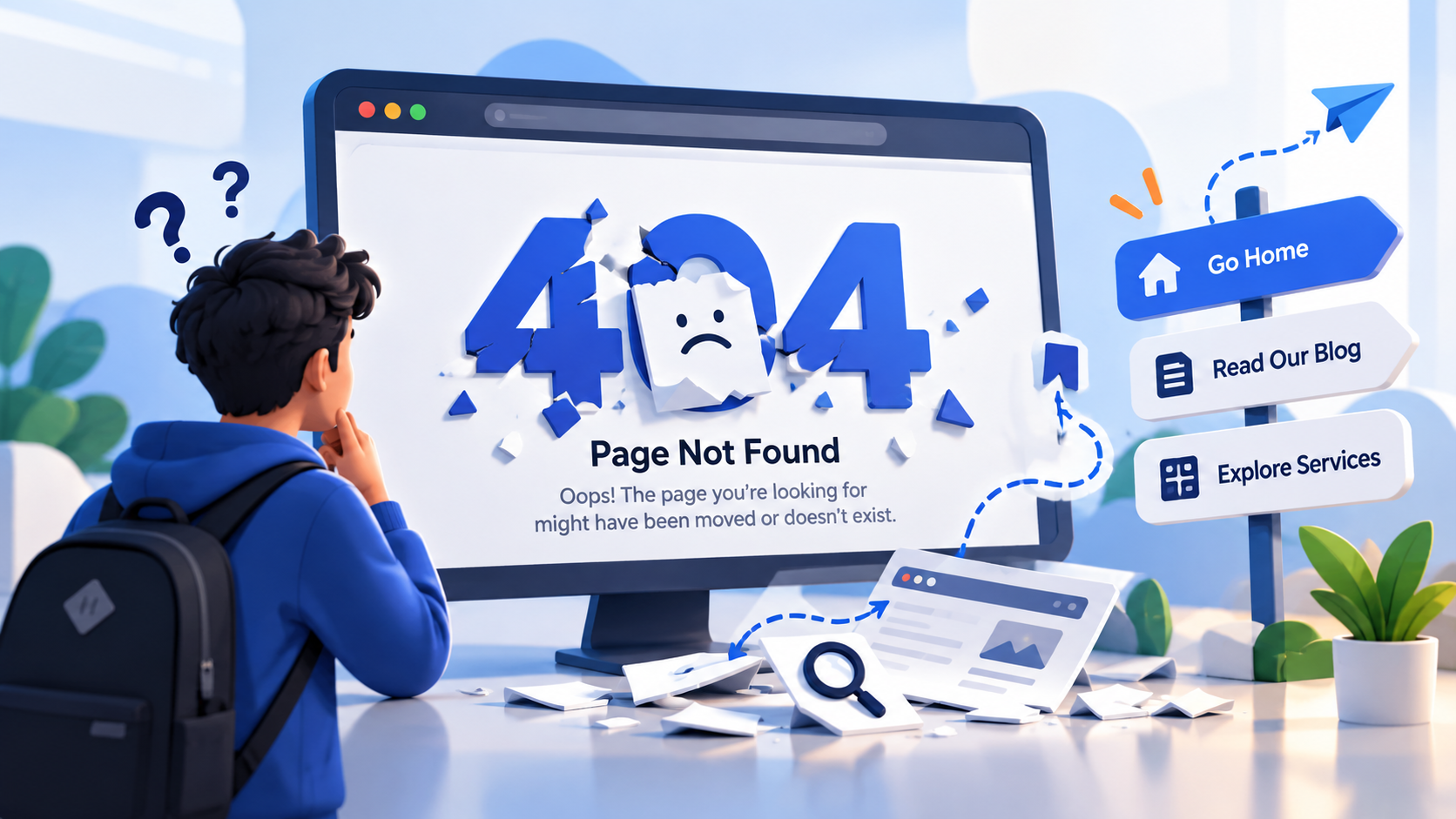
What Is a 404 Page?
A 404 page is what a website shows when someone tries to visit a page that cannot be found. This can happen when a page has been deleted, a URL has been changed, a link is incorrect, or someone types an address incorrectly.
For many people, seeing “404 – Page Not Found” simply means something went wrong. But from a website owner's perspective, a 404 page is also an opportunity. Instead of leaving visitors at a dead end, a well-designed 404 page can help them understand what happened and guide them toward useful parts of the website.
Why Do 404 Errors Happen?
There are several common reasons why visitors encounter a 404 error. A website may have removed or renamed a page without updating old links. Someone may have typed the URL incorrectly, or an external website may still be linking to an outdated page. Websites that regularly update their content can also accumulate broken or outdated links over time.
A 404 error does not necessarily mean that the entire website is broken. Usually, it simply means that the specific page requested by the visitor could not be found on the server.
A 404 Page Is a User Experience Opportunity
Imagine visiting a website, clicking a link, and suddenly seeing a plain white screen with “404 Not Found.” You might simply close the tab and leave.
Now imagine the same situation with a helpful message such as, “Oops! We couldn't find that page, but let's get you back on track,” followed by buttons for the homepage, services, blog, or search. The error still exists, but the experience feels completely different.
This is why a 404 page should be treated as part of the overall user experience rather than just a technical error message. It should help visitors understand the problem and, more importantly, give them a clear next step.
Good 404 Pages Keep Visitors Moving
The biggest mistake a website can make with a 404 page is creating a dead end. Visitors should have somewhere useful to go next.
A simple navigation menu, homepage button, search bar, popular articles, or links to important services can help visitors continue exploring the website. The goal is not to hide the error but to make recovery easy.
For example, if someone lands on a missing blog article, the 404 page could recommend other related articles. If they were looking for a particular service, the page could provide a direct link to the services section.
A small amount of thoughtful navigation can turn a frustrating moment into another opportunity for engagement.
Your 404 Page Can Reflect Your Brand
A 404 page is still part of your website, which means it should feel like it belongs there. Fonts, colors, illustrations, language, and overall design should match the brand.
This also gives companies an opportunity to show some personality. A technology company might use a creative digital illustration, while a travel website could use a message related to getting lost. A professional business might prefer a simple and clean design with clear navigation.
The important thing is to balance creativity with usefulness. A funny message may make visitors smile, but they should still be able to find their way back to the website.
What Should a Good 404 Page Include?
A useful 404 page does not need to be complicated. It should clearly communicate that the requested page could not be found and provide practical options for continuing.
A clear “Page Not Found” message is a good starting point. From there, the page can include a link to the homepage, a search option, links to popular pages, or relevant content recommendations. A short and friendly explanation can also make the experience less confusing.
The design should remain simple enough that visitors immediately understand what happened and what they can do next.
404 Pages and SEO
A 404 page is mainly designed for users, but it can also have an indirect relationship with search engine optimization. Broken links and outdated URLs can create a poor experience for visitors and search engines.
A properly configured 404 response tells search engines that the requested page does not exist. However, simply creating a visually attractive 404 page does not fix broken links. Website owners should regularly identify broken internal links, update outdated URLs, and redirect permanently moved pages when appropriate.
For example, if an important page has permanently moved from an old URL to a new one, a proper redirect can send users to the correct location instead of showing them a 404 page.
Don't Redirect Every 404 Error to the Homepage
It may seem convenient to send every missing URL directly to the homepage, but this is not always the best solution.
When users are automatically redirected without explanation, they may not understand why they ended up somewhere else. They might also have difficulty finding the content they originally wanted.
A properly designed 404 page gives visitors context and allows them to choose where they want to go next. Redirects should be used when there is a clear replacement or appropriate destination, rather than simply hiding every missing page.
Small Details Can Make a Big Difference
The best 404 pages often include small details that show consideration for the visitor. A useful search box can help someone find what they were originally looking for. Popular content can give them another reason to stay. A clear navigation menu can help them explore the website.
Even the wording matters. Instead of a cold “ERROR 404,” a simple message such as “We couldn't find the page you're looking for” feels more human while still being clear.
These details may seem minor, but together they can make the difference between a visitor leaving immediately and continuing to explore the website.
Turning an Error Into an Experience
A 404 error is unavoidable on many websites. URLs change, pages are removed, links become outdated, and users make typing mistakes. The goal is not necessarily to eliminate every 404 error forever, but to make sure that encountering one does not become the end of the user's journey.
A thoughtful 404 page can communicate the problem, maintain the brand's personality, provide useful navigation, and guide visitors toward another part of the website.
In web development, we often focus on building the perfect homepage, landing page, or product page. But sometimes, the pages users see when something goes wrong deserve just as much attention. A 404 page may represent a small part of a website, but it can make a big difference in how visitors experience the entire brand.