
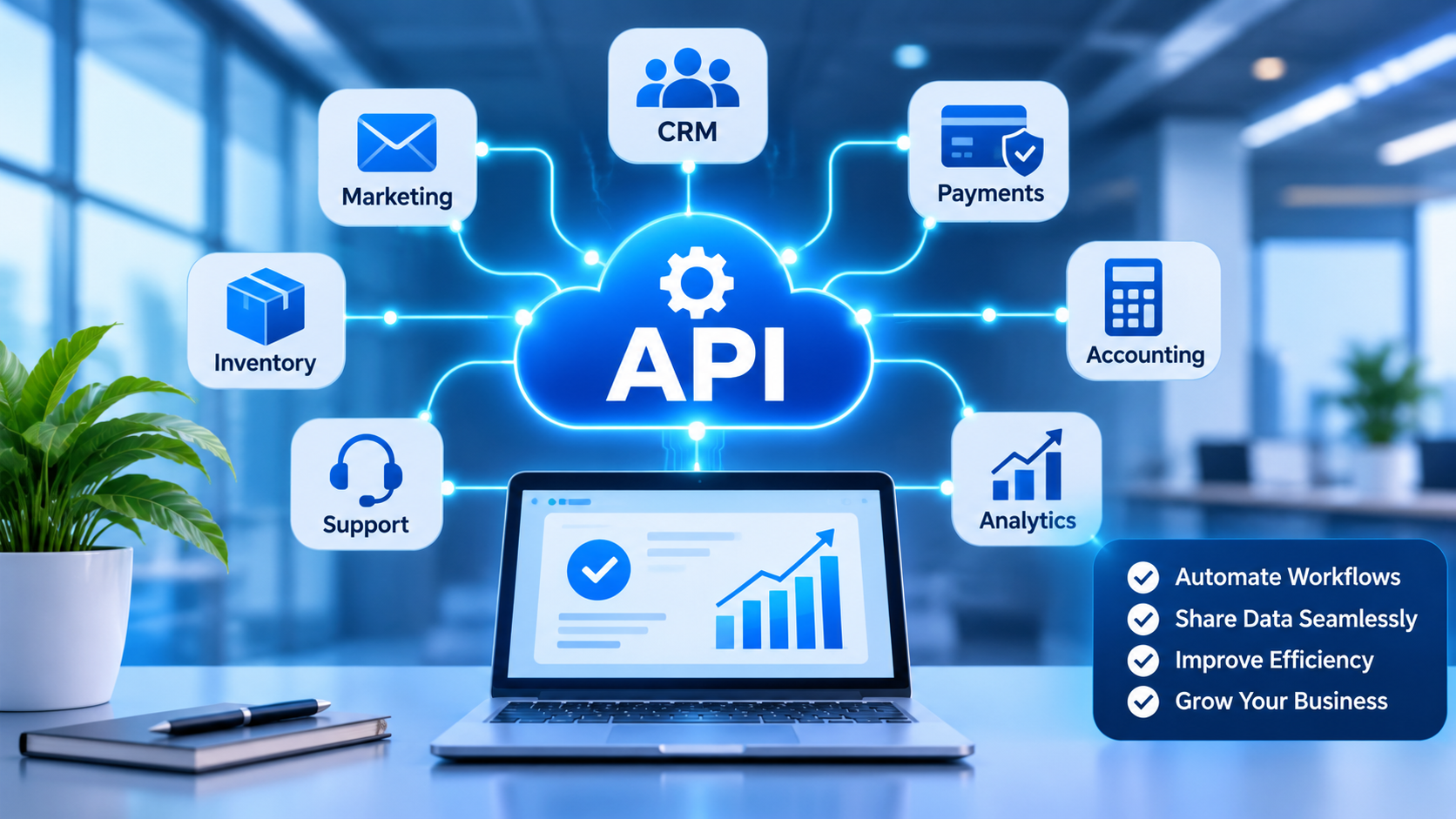
Modern businesses rely on multiple software applications to manage their daily operations. From customer relationship management (CRM) and accounting software to marketing platforms, payment gateways, inventory systems, and communication tools, every department uses different digital solutions to complete its tasks. However, when these applications operate independently, businesses often face disconnected data, repetitive work, communication gaps, and operational delays.
This is where API integration becomes important. API integration allows different software applications to communicate, exchange information, and work together without requiring employees to manually transfer data between systems. By connecting business tools, organizations can create smoother workflows, improve productivity, and manage operations more efficiently.
Instead of switching between multiple platforms and entering the same information repeatedly, employees can work with connected systems that automatically share relevant data.
What Is API Integration?
API integration is the process of connecting two or more software applications through Application Programming Interfaces (APIs), allowing them to exchange data and perform actions automatically.
An API acts as a communication bridge between different applications. It defines how one software system can request information or services from another system.
For example, when a customer places an order on an e-commerce website, an integrated system can automatically:
-
Send order information to inventory management software.
-
Update stock availability.
-
Share payment details with the payment gateway.
-
Transfer customer information to the CRM.
-
Generate an order confirmation notification.
These activities can happen automatically through connected applications, reducing the need for manual intervention.
In simple terms, API integration makes different software systems work together as part of a connected business environment.
Why Do Businesses Need API Integration?
As businesses grow, their technology requirements become more complex. Managing multiple applications separately can create unnecessary challenges that affect employee productivity and customer experience.
API integration addresses these challenges by creating communication between business systems.
Here are some important reasons businesses need API integration.
1. Eliminates Repetitive Manual Work
Employees often spend valuable time entering the same information into different software platforms. For example, when a new customer registers on a website, the sales team might need to manually add their information to the CRM.
With API integration, customer information can automatically move from the website to the CRM.
This reduces repetitive administrative work and allows employees to focus on more important responsibilities, such as customer engagement, sales development, and business planning.
2. Improves Data Accuracy
Manual data entry increases the possibility of errors, duplicate records, and outdated information.
When applications are connected through APIs, information can be transferred automatically between systems according to configured rules.
For instance, when a customer's contact information changes in one connected platform, the update can be shared with other relevant applications.
This helps businesses maintain more consistent and reliable information across departments.
3. Connects Different Business Departments
Different departments often depend on separate software applications.
The sales team may use CRM software, the finance department may use accounting tools, and the marketing team may work with email automation platforms.
API integration connects these systems, making it easier for departments to access relevant information and coordinate their activities.
For example, when a sales representative closes a deal, the connected system can share customer and transaction details with the finance team, reducing delays in invoicing and payment processing.
4. Saves Time and Improves Productivity
Time-consuming administrative activities can slow down business operations.
API integration automates routine processes such as data synchronization, order updates, customer notifications, and report generation.
Employees can complete tasks faster because information is transferred between applications automatically.
As a result, businesses can improve operational efficiency without depending entirely on additional manual resources.
5. Supports Business Growth
Growing businesses often introduce new applications to manage increasing customer demands and operational requirements.
API integration makes it easier to connect additional software solutions with existing systems.
Rather than rebuilding the entire technology infrastructure, organizations can integrate new tools into their existing workflows, provided the applications support compatible APIs and integration requirements.
This flexibility helps businesses build technology environments that can evolve as their operations expand.
Common Business Applications of API Integration
API integration supports several business functions. Its applications extend across different industries, helping organizations connect their technology platforms.
1. CRM and Marketing Automation Integration
Connecting CRM software with marketing automation platforms helps businesses manage customer information and marketing activities more effectively.
For example, when a potential customer submits a form on a website, their information can automatically enter the CRM.
The marketing platform can then use this information to trigger relevant email campaigns, follow-up messages, or customer engagement activities.
This integration helps sales and marketing teams work with more consistent customer information.
2. Payment Gateway Integration
Online businesses depend on secure payment processing systems to accept customer payments.
API integration connects e-commerce websites with payment gateways, allowing customers to complete transactions without manually transferring payment information.
When a payment is successful, the system can automatically update the order status and generate a confirmation message.
This creates a smoother purchasing experience while reducing manual payment tracking.
3. Accounting and Financial Software Integration
Businesses frequently use accounting software to manage invoices, expenses, payments, and financial records.
Integrating accounting platforms with CRM or sales systems allows relevant transaction information to move between applications.
For example, when a sales order is confirmed, the connected system may automatically generate invoice information in the accounting platform.
This reduces repetitive work and improves financial record management.
4. Inventory and E-commerce Integration
For businesses selling products online, maintaining accurate inventory information is essential.
API integration connects e-commerce platforms with inventory management systems.
When a customer purchases a product, inventory information can automatically update across connected platforms.
This helps businesses avoid overselling, maintain accurate stock records, and manage orders more efficiently.
5. Communication and Customer Support Integration
Businesses use communication platforms, chat applications, and customer support systems to interact with customers.
API integration allows these applications to share relevant information.
For example, when a customer submits a support request, their details and previous interactions can be retrieved from the CRM.
Support employees can understand the customer's history more easily and provide more relevant assistance.
How API Integration Makes Business Operations Easier
The real value of API integration comes from connecting individual business activities into a coordinated workflow.
Consider a company that receives customer orders through its website.
Without integration, employees may need to:
-
Copy customer information into the CRM.
-
Verify payments separately.
-
Update inventory records manually.
-
Inform the sales or operations team.
-
Send order confirmation messages.
-
Update financial records.
These separate activities require time and increase the possibility of mistakes.
With API integration, connected applications can exchange information automatically. Once an order is placed, the system can trigger payment verification, inventory updates, CRM record creation, and customer notifications.
This creates a more organized process in which information moves between applications without unnecessary manual involvement.
API Integration and CRM: Creating a Connected Customer Experience
CRM software plays an important role in managing customer relationships. However, its effectiveness increases when it connects with other business applications.
API integration allows CRM platforms to exchange information with websites, email marketing tools, payment systems, customer support platforms, and other business software.
For example, a connected CRM environment can help businesses:
-
Automatically capture leads from website forms.
-
Synchronize customer information across platforms.
-
Track customer purchases and interactions.
-
Connect sales activities with payment information.
-
Automate follow-up reminders.
-
Improve customer support through accessible interaction history.
When these systems work together, businesses gain a more complete understanding of customer activities.
This helps sales and support teams make informed decisions and deliver more consistent customer experiences.
API Integration vs. Manual Data Management
|
Business Activity |
Manual Process |
API Integration |
|---|---|---|
|
Customer data |
Entered separately |
Automatically transferred |
|
Order management |
Manual updates |
Connected order updates |
|
Payment tracking |
Separate verification |
Automated status communication |
|
Inventory |
Manual stock changes |
Synchronized inventory |
|
Reporting |
Data collected manually |
Information shared across systems |
|
Customer follow-ups |
Manually scheduled |
Automated workflow triggers |
API integration does not eliminate every manual business activity, but it significantly reduces repetitive tasks when systems are properly connected.
Challenges Businesses Should Consider Before API Integration
Although API integration offers several advantages, businesses must plan their integration strategies carefully.
Some important considerations include:
1. Data Security: APIs can transfer sensitive business and customer information. Organizations should implement authentication, authorization, encryption, and appropriate access controls.
2. Compatibility Issues: Not every application supports the same integration methods. Businesses must check API availability, documentation, supported data formats, and technical requirements.
3. Integration Costs: Some integrations require development resources, paid API access, third-party platforms, or ongoing maintenance.
4. System Reliability: If one connected application experiences downtime, dependent workflows may be affected. Businesses should consider error handling, monitoring, and retry mechanisms.
5. Data Synchronization: Organizations must establish clear rules for managing duplicate records, conflicting updates, and information consistency across platforms.
Addressing these challenges during planning can help businesses develop reliable and secure integration environments.
Best Practices for Successful API Integration
To achieve better results, businesses should follow a structured integration approach.
-
Identify Business Requirements: Understand which applications need to communicate and what processes should be automated.
-
Choose Compatible Software: Select platforms with reliable APIs and suitable integration capabilities.
-
Prioritize Security: Use secure authentication methods, encrypted communication, and appropriate permissions.
-
Test Before Implementation: Test integrations to identify errors, data inconsistencies, and workflow issues.
-
Monitor Performance: Regularly review API performance, response times, and integration failures.
-
Plan for Scalability: Build integrations that can support increasing data volumes and future business requirements.
A well-planned API integration strategy helps organizations avoid unnecessary complexity while improving the performance of connected applications.
The Future of API Integration in Business
As businesses continue adopting cloud computing, artificial intelligence, automation, and digital platforms, API integration will become increasingly important.
Modern organizations are moving towards connected technology environments where applications share information and coordinate business activities.
AI-powered systems can also use integrated business data to support customer analysis, automate workflows, generate insights, and improve decision-making.
For example, a CRM connected with customer support and sales platforms can provide AI tools with a broader view of customer interactions. This can help businesses identify customer needs, recognize patterns, and improve engagement strategies.
API integration will therefore remain an important foundation for businesses looking to build flexible, automated, and technology-driven operations.
Conclusion
API integration is more than a technical connection between software applications. It is an important business strategy that helps organizations simplify workflows, reduce repetitive tasks, improve data accuracy, and connect different departments.
By integrating CRM systems, payment gateways, marketing platforms, accounting tools, and other applications, businesses can create a coordinated digital environment where information moves more efficiently.
As operational requirements become more complex, connected software will help organizations save time, improve productivity, and deliver better customer experiences.
Businesses that invest in the right API integration strategy can build a stronger technology foundation for long-term efficiency and sustainable growth.
Frequently Asked Questions (FAQs)
1. What is API integration in business?
API integration is the process of connecting different software applications so they can exchange information and perform tasks automatically.
2. How does API integration improve business operations?
It reduces manual data entry, automates repetitive workflows, improves information sharing, and helps different departments work more efficiently.
3. Is API integration important for CRM software?
Yes. API integration connects CRM software with websites, marketing platforms, payment gateways, and customer support tools, creating a more complete customer management system.
4. Can small businesses use API integration?
Yes. Small businesses can use API integration to connect essential applications, automate administrative tasks, and improve productivity without building every software solution from scratch.
5. Is API integration secure?
API integration can be secure when businesses implement appropriate authentication, authorization, encryption, access controls, and continuous monitoring.
6. What are some examples of API integration?
Common examples include connecting CRM with email marketing software, integrating e-commerce platforms with payment gateways, and linking inventory systems with accounting applications.